
Quick Summary
Who this is for: Owners of small service businesses, consultancies, agencies, and small teams whose recurring work runs on memory, email threads, and informal handoffs.
The short answer: Pick one recurring process. Watch how it actually runs today, then write down its trigger, steps, owners, inputs, decisions, and finish line. Simplify it, test it with someone else, and only then decide which parts, if any, are ready to automate.
What you get: A worked example from a fictional three-person design studio and a template you can copy. The document or spreadsheet you already use is enough to start. No new software is required.
Put This Into Practice
- Difficulty: Beginner-friendly. You need to understand the work, not process-mapping software.
- Time: Start with one recent case. Allow more time for reviewing exceptions and testing the instructions during a real occurrence.
- Cost: No new software purchase is required if you use an existing document or spreadsheet.
- First action: Write down what starts one recurring workflow and the checkable condition that ends it.
Introduction
You decide it is time to automate client onboarding. Before choosing a tool, you ask your team a simple question: what happens after a client signs?
The coordinator says she sends the intake email. The designer says he waits for the logo files. You thought the kickoff call came first. Everyone is describing the same process, and nobody is describing it the same way.
That moment is common, and it is useful. It tells you the process is not ready to automate yet, because an automation needs one clear version of the work to follow.
This guide shows you how to document business processes in a small business so you have that version: one workflow, written from start to finish, with owners, exceptions, and a practical test of the instructions. By the end, you will also know which steps may be suitable for automation and which should stay in human hands.
What Business Process Documentation Actually Includes
Business process documentation is a written record of how a recurring piece of work gets done. It covers what starts the work, what happens in what order, who does each part, and how you know it is finished.
You will hear three terms for this. They are different tools, but in a small business they usually live in one document.
- A process map shows the flow. It answers “what happens next, and who does it?”
- A standard operating procedure (SOP) explains how to perform the work, including the decisions along the way.
- A checklist confirms that the necessary steps were completed.
A simple step table can do all three jobs at once. You do not need diagramming software or a formal notation.
Process, System, and Software
It also helps to separate three words that often get blurred. A process describes the work. A system gives that work structure: an owner, rules, and a way to track progress. Software may support the system, but it does not replace either one.
This guide starts with the process and records the ownership and tracking rules needed to make it repeatable.
Why You Should Document the Process Before Automating It
Rule-based automation follows the conditions you configure. If those conditions miss a decision or rely on incomplete information, work can be sent down the wrong path or stop without anyone noticing.
Four common gaps are worth looking for:
- An unclear trigger. If nobody agrees what starts the process, the automation fires at the wrong moment or not at all.
- Missing inputs. An automated welcome email cannot fix an intake form that never asks for what the team needs.
- Hidden decisions. Someone quietly judges whether a request is in scope. Automation skips that judgment unless you write it down.
- Unowned handoffs. Work passes between people with no confirmation it arrived. Automating the handoff just moves the silence somewhere else.
Documentation helps you spot these gaps before you build around them. It may reveal a manual fix that solves the problem outright, such as adding two fields to an intake form or naming one owner. Sometimes that is all the process needs.
This is the second step of the Automated Growth Roadmap™, fixing the process before you automate it. The Roadmap sets the overall decision order. This guide is the practical how-to for that one step.
How to Document Business Processes, One Workflow at a Time
The seven steps below are ordinary instructions for one workflow. A running example, client onboarding at a fictional web design studio, appears along the way, and the full version follows the steps.
1. Choose One Recurring Process and Define Its Boundaries
Start with a process tied to a bottleneck you have actually observed, such as work that waits, gets redone, or depends on one person remembering. Resist documenting the whole business at once. One workflow done well teaches you more than ten sketched halfway.
Then write down two boundaries. The trigger is the event that starts the process. The finish condition is a specific, checkable state that ends it.
“Onboarding is done” is too vague. “Client is ready for kickoff, with required materials received, access confirmed, a named project owner, and a kickoff time set” is something you can verify.
In the example: the trigger is confirmation that the client agreement has been signed. The finish is that ready-for-kickoff state.
2. Watch How the Work Actually Happens
Document the process as it runs today, not how it is supposed to run. Sit with the person who does the work and walk through a few recent, real instances together. Ask what they did, where they looked, and what they did when something was missing.
Capture the workarounds. The forwarded email, the sticky note, and the quick “I just message Sam” step are often where the real process lives. The American Society for Quality’s flowchart guidance makes a similar point: chart the current state, and have the people who perform the process involved in drawing it.
There is no universal number of instances to review. Look at enough recent cases to see the usual path and the common variations.
Keep observed facts separate from estimates. “The last client took six days to send a logo” is an observation. “It usually takes about a week” is an estimate, so label it that way.
3. Write Each Step, Owner, Input, and Output
For each step, record:
- the action, written as a verb (“Create the client record”)
- the person responsible
- the input it needs and where that information lives
- the output, and who receives the handoff
- how the next person knows the handoff arrived
That last item catches a lot of problems. If the answer is “they will probably see the email,” the handoff is not confirmed.
Several people may perform steps, but one person owns the overall outcome. That person notices when the process stalls and has the authority to fix it.
4. Record Decisions and Common Exceptions
Most processes include moments where someone has to decide something. Write those down as plain conditions:
- If a required item is missing, send one reminder, then escalate to the project lead.
- If the client asks for work outside the signed agreement, the project lead decides before anything changes.
Next, list the common exceptions, meaning the situations that leave the normal path. For each one, note who handles it and what they do.
If you might automate a step later, add one more line. Describe what happens if the automated step fails, how someone will notice, and who does the work manually in the meantime. Some decisions should stay with a person, so say that in the document too. It keeps anyone from automating a judgment call by accident.
5. Remove Avoidable Friction Before Adding Automation
Now read the documented process looking for waste. Common examples include:
- the same information typed into two places
- approvals that add delay without adding judgment
- intake forms that do not ask for what the team needs
- no shared way to see where a client stands
- tasks that wait because nobody owns the next move
Fix what you can with a process change first. Keep two clearly labeled versions: the current process you observed and the proposed process with your changes. That separation stops a proposed improvement from being mistaken for how the business already works.
6. Test the Revised Instructions With Someone Else
Hand the proposed version to a colleague who did not write it. Ask them to follow it, including at least one realistic exception. Every place they hesitate, guess, or ask a question marks a step that needs rewriting.
Working alone? Replay a recent real case against the written steps, then follow the document exactly the next time the process comes up. Note every point where you had to rely on memory.
Finish with a completion check: a short list confirming that the finish condition was actually met.
7. Mark the Steps That May Be Ready for Automation
Go through the tested process and sort each step. Predictable, rule-based steps are candidates, such as creating a record, sending a standard request, or reminding someone about an overdue item. Steps that need judgment, such as approving scope or deciding whether supplied files are usable, stay human.
For every candidate, note who will monitor it and what remains manual. Then record a baseline before you change anything, meaning a simple measure of how the process performs today.
If you later want to know whether an automation is worth what it costs, the Automation ROI Calculator™ estimates net time saved against full costs.
A Worked Example: Documenting New Customer Onboarding
This example is fictional and illustrative. It is not an AGL case study, and it does not report results.
A fictional three-person web design studio has an inconsistent onboarding process. Dana is the owner and project lead, and she owns the overall onboarding outcome. Theo is the coordinator, and Sam is the designer. The people, workflow, deadlines, and sample figures below are invented for this example.
The Current Process in This Fictional Example
| Step | Who | What happens | Problem observed |
|---|---|---|---|
| 1 | Dana | Notices a signed agreement in her inbox | Depends on Dana checking email |
| 2 | Dana | Emails Theo to start onboarding | No standard message; timing varies |
| 3 | Theo | Copies contact details into a tracking sheet | Same details typed twice |
| 4 | Theo | Emails the client for logos, content, and access | Request differs each time |
| 5 | Sam | Starts from the email thread when he sees activity | Sometimes starts with missing files |
| 6 | Anyone | Schedules kickoff when someone remembers | No shared definition of “ready” |
Nobody here is doing anything wrong. The process simply lives in three heads and one inbox.
The Proposed Process (Mini SOP)
Process owner: Dana
Trigger: Signed agreement confirmed
Finish: Client marked ready for kickoff after the completion checks pass and Sam acknowledges the handoff
| # | Action | Owner | Input / source | Output and handoff |
|---|---|---|---|---|
| 1 | Confirm the agreement is fully signed | Theo | Signed agreement | Start confirmed |
| 2 | Create one client record | Theo | Agreement details | Record in tracker |
| 3 | Assign the project owner | Dana | Client record | Owner named on record |
| 4 | Send the standard intake checklist | Theo | Checklist template | Request sent; date logged |
| 5 | Check required items and authorized access; ask Sam to confirm files are usable | Theo, with Sam reviewing files | Client replies | Intake checks recorded |
| 6 | Resolve missing or unusual items before continuing | Theo; Dana handles decisions | Open items | Resolution recorded; checks repeated |
| 7 | Schedule kickoff once conditions are met | Theo | Completed checklist | Kickoff time on record |
| 8 | Mark ready and hand off to design | Theo | Completion check | Sam confirms on record |
Access, Exceptions, and Completion Checks
Access rule: Clients grant access through the studio’s approved secure method, such as adding the studio as a user on their own account. Passwords never go into the intake form, the tracking sheet, an email, or an AI prompt.
Exception paths:
- Missing materials: Count from the date the intake request is sent. Theo sends one reminder after two business days. If items are still missing after five business days, he escalates to Dana, who decides whether to move the start date. Theo records the decision and repeats the intake checks when the missing items arrive.
- Out-of-scope requests: Anything beyond the signed agreement goes to Dana for a decision before work begins.
- Failed automated request (if one is added later): Theo reviews new and unresolved intake records each business day. If the request is not confirmed as sent, he checks its delivery status before sending it manually, then notes the failure. A bounce or other delivery problem also creates a follow-up task. A sent log alone does not confirm delivery.
Completion check: Required materials received, Sam’s file-quality check passed, authorized access confirmed, project owner named, kickoff time confirmed, and Sam’s handoff acknowledgment recorded. If the studio requires anything else before kickoff, such as a deposit, it belongs on this list explicitly.
Where Automation Might Fit
Two steps look predictable enough to consider. One is sending the standard intake checklist once a signed agreement is confirmed. The other is reminding Theo about incomplete intake.
Whether either is practical depends on what the studio’s existing tools can already do and whether its records are reliable. Approving scope and judging whether supplied files are usable stay with people.
What the Studio Would Measure
Before changing anything, Dana defines two measures and records a baseline for each:
- Elapsed time from confirmed signed agreement to completion of the readiness checks and acknowledged handoff. This includes waiting and working time, which is different from staff hours spent doing the work. If an earlier case has no reliable finish timestamp, mark that gap instead of guessing.
- Missing inputs at handoff, meaning the number of clients first handed to Sam with at least one required item missing, divided by all clients first handed to Sam during the same observation period. Use the same required-item list when comparing periods.
A hypothetical baseline might read: “Of 10 clients first handed to design during the three-month observation period, 4 were missing at least one required item.” Keep the denominator, time window, and definition consistent for later comparisons. Staff time spent on onboarding is a separate measure, worth tracking on its own if it matters to the studio.
A Simple Business Process Documentation Template
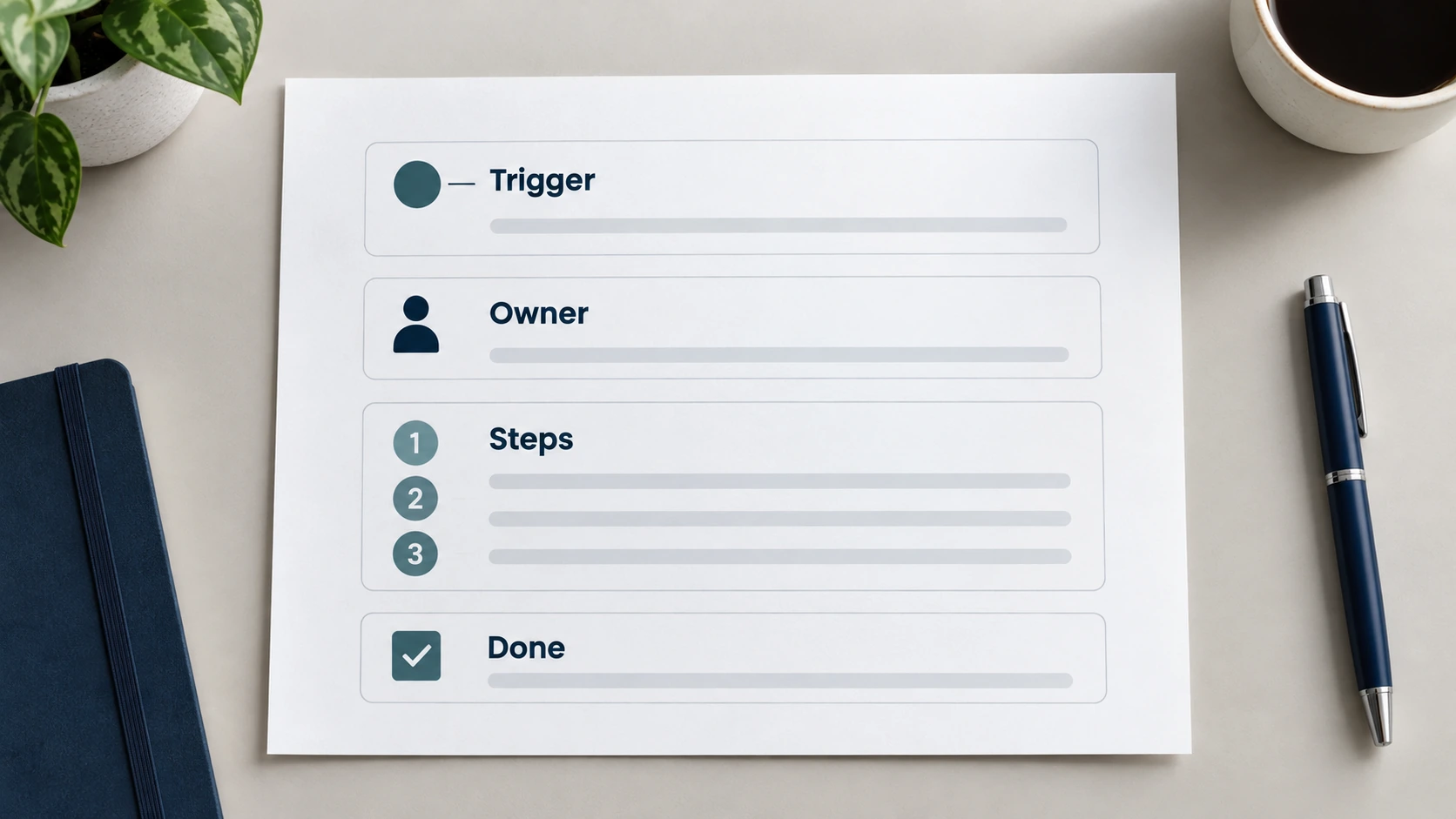
Copy these three blocks into a document or spreadsheet you already use.
Process Details
| Field | Your entry |
|---|---|
| Process name | |
| Purpose | |
| Overall owner | |
| Trigger | |
| Required inputs and prerequisites | |
| Finish condition | |
| Current version and review date | |
| Where the authoritative copy lives |
Steps
| Step | Action | Responsible | Input / source | Output and next handoff |
|---|---|---|---|---|
| 1 | ||||
| 2 | ||||
| 3 |
Keep cells short. If a step needs more explanation, write it below the table under that step number.
Rules and Checks
| Field | Your entry |
|---|---|
| Decisions and conditions | |
| Common exceptions | |
| Escalation and fallback | |
| Completion and quality check | |
| Baseline metric and observation period | |
| Possible automation candidate | |
| Human review boundary |
A filled-in rule, for reference: “Count from the date the intake request is sent. If the client has not supplied the logo within two business days, the coordinator sends one reminder. After five business days, the coordinator escalates to the project lead, who decides whether to move the start date.”
How to Tell Whether the Process Is Ready to Automate
Use this as a quick readiness check. It is a practical aid, not a guarantee or a formal risk assessment.
- The trigger is stable and clearly defined.
- Required inputs arrive reliably and in a consistent form.
- One person owns the overall outcome.
- Decision rules are written down.
- Common exceptions have a documented path.
- A colleague has tested the instructions, or a solo owner has replayed a recent case and checked the document during a real occurrence.
- Completion can be measured.
- A baseline has been recorded.
- A manual fallback exists if an automated step fails.
Your answers usually point to one of three outcomes:
- Improve the process first if several items are missing. The documentation itself is the work for now.
- Automate one predictable part if the process is stable and a specific step is rule-based, frequent, and easy to monitor.
- Keep it manual for now if the work is rare, still changing, or mostly judgment.
You may end up with several ready candidates competing for attention. In that case, use the Automation Opportunity Matrix™ to prioritize them. This documentation helps with its separate readiness check: whether the process is clear, the information is reliable, and a named owner can handle decisions, notice failures, and fall back to manual work.
For a candidate that looks ready, use the Automation ROI Calculator™ to estimate its value against full costs before a pilot, then recalculate with measured results afterward.
Common Documentation Mistakes
- Presenting the ideal version as current practice. Record what happens today first, then label the revised process separately.
- Screenshots without decision rules. A screen recording shows clicks. It rarely shows when to stop and ask.
- Vague steps. “Handle onboarding” is a heading, and nobody can act on it.
- Unconfirmed handoffs. Every handoff needs a receiver and a way to know it arrived.
- Ignoring exceptions. The normal path usually works. Exceptions are where work stalls.
- Documenting too much at once. Ten half-finished documents help less than one tested one.
- Letting it go stale. An outdated document can mislead more than no document, because people trust it.
Keeping the Document Current
Name an owner for the document itself, usually the process owner. Show the current version and review date at the top. Keep one shared authoritative copy instead of several versions in different folders.
Update it when the workflow changes, or when a recurring failure reveals a gap. Match the depth to the work, too. A frequent, high-consequence process that several people perform deserves careful detail, while a low-risk task one person does occasionally may only need a short checklist.
Frequently Asked Questions
What should a small business include in process documentation?
At minimum, include the process name, purpose, owner, trigger, required inputs, steps with owners and handoffs, decisions, exceptions, and a clear finish condition. Add a baseline measure if you plan to improve or automate the process.
Do I need a flowchart or an SOP?
A simple step table is usually enough, and it can serve as both. A flowchart helps when there are many branches or handoffs that are hard to follow in a list. Choose whichever format the people doing the work find easiest to use.
How much detail is enough?
Include enough that someone else could complete the process correctly, including a common exception, without asking you. If a tester has to guess, add detail at that step. Remove repeated explanations, but keep required checks and approvals even when an experienced person considers them obvious.
Can I document a process if I work alone?
Yes. Replay a recent real case against your written steps, then follow the document exactly the next time the work comes up. A written process also makes it easier to hand the work to a contractor or a first hire later.
Can AI help write process documentation?
AI can organize observations you supply or turn rough notes into clearer instructions. It cannot see how your business actually works, so the process owner must check the result for accuracy and missing decisions. Use fictional or appropriately redacted examples, and keep business data in tools your business has approved.
When should I update a process document?
Update it when the workflow changes, when a tool or role changes, or when the same failure happens more than once. A regular review also helps catch quiet drift.
Document One Process Before You Build the Automation
Choose one recurring workflow that caused friction this month. Copy the template above and fill in the trigger and finish condition first. Then walk through the last few real instances with the person who does the work, and fix the first unclear handoff you find.
Once the process is clear, turn it into an SOP your team can follow using our guide, template, and worked example.
After you have tested the procedure, the 90-Day Automation Plan™ gives you a week-by-week sequence for simplifying, building, and measuring one workflow. For related resources, browse the small business automation guides.
Leave a Reply